


Left To Survive
The dedicated APK for Left to Survive offers an alternative way to play the game on any Android device, without needing to use the Google Play Store − ideal if you prefer not to use it, or have no access to it.
The APK version functions just like the standard Android version: your game will automatically sync once you log in, and you’ll be able to play with other players across different platforms without any limitations.
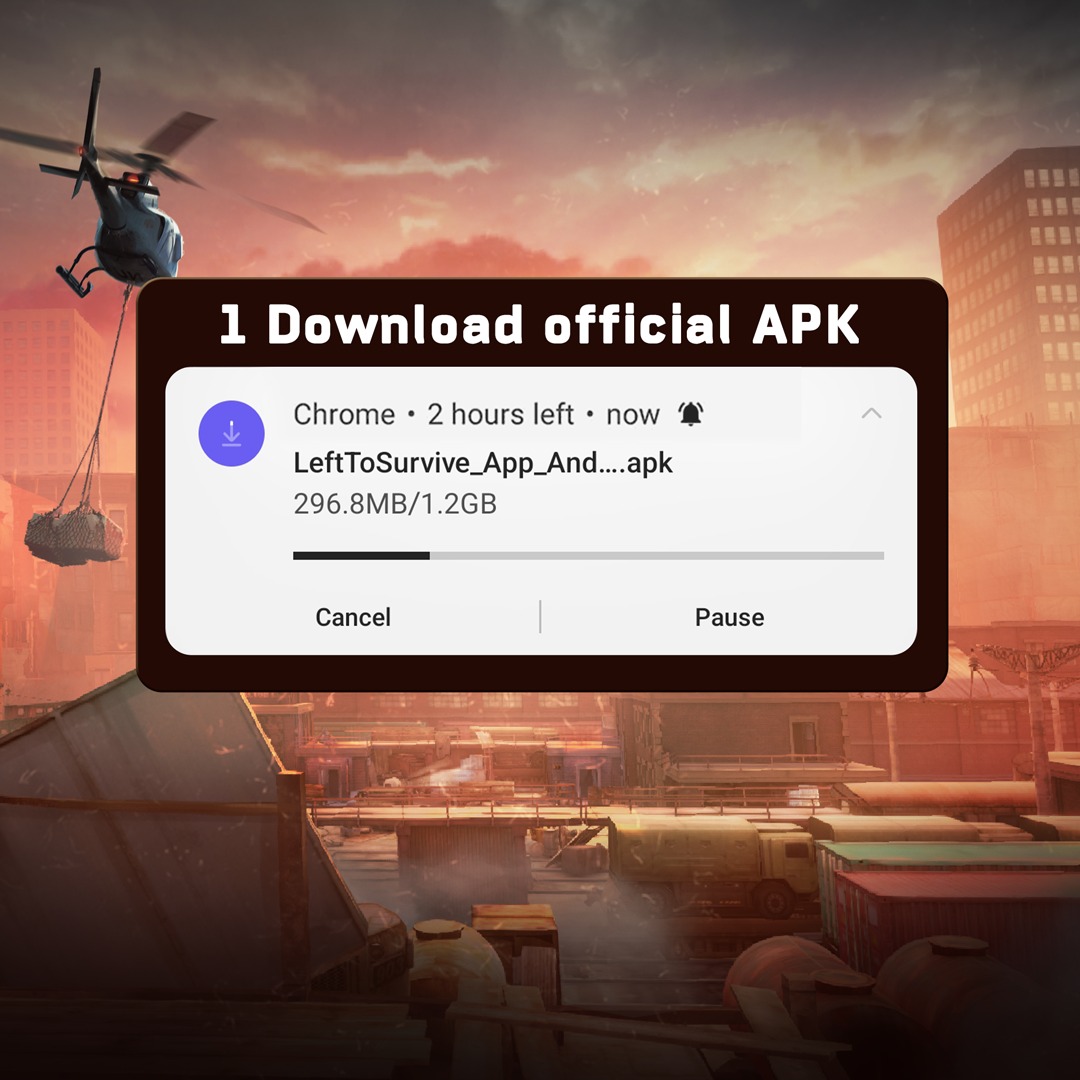
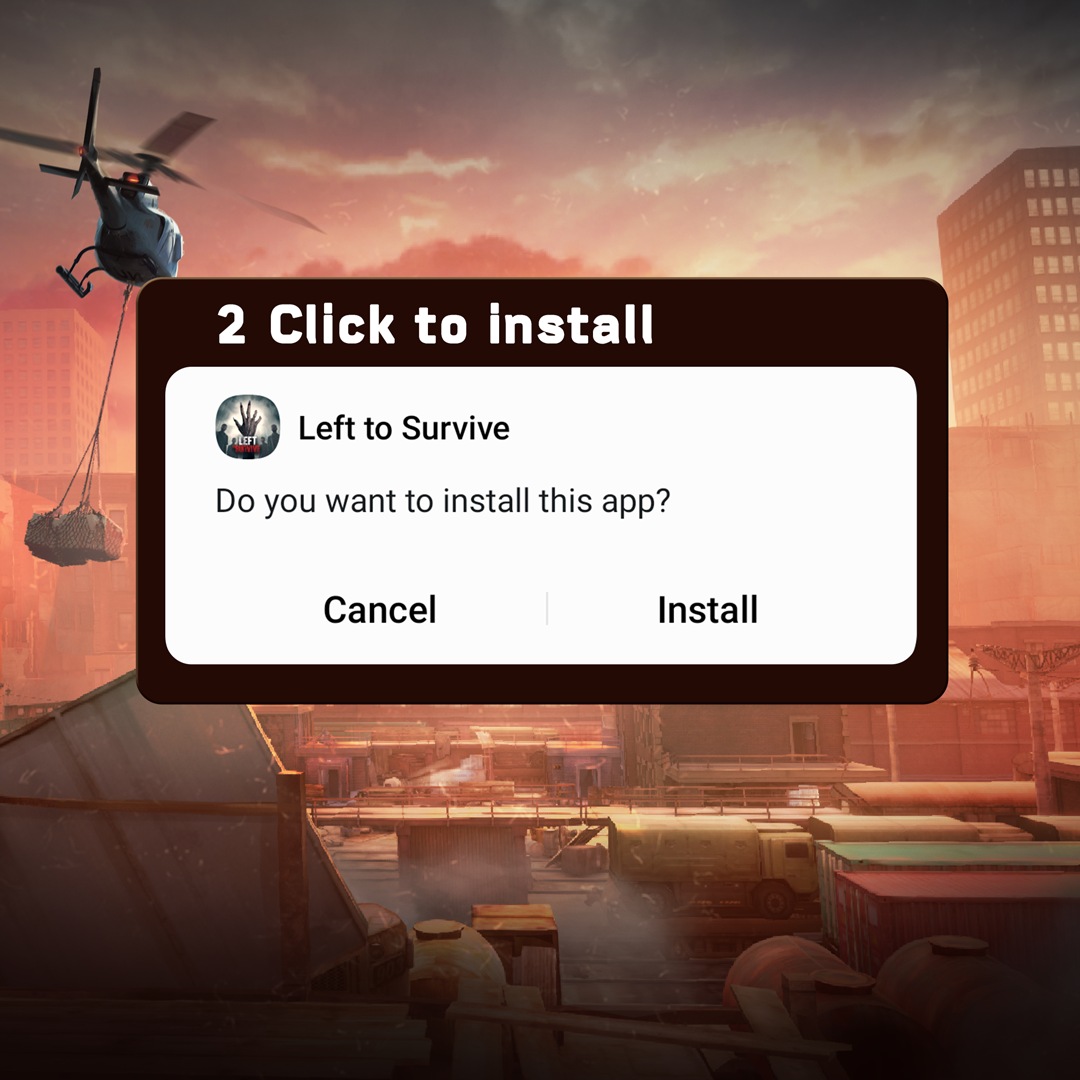
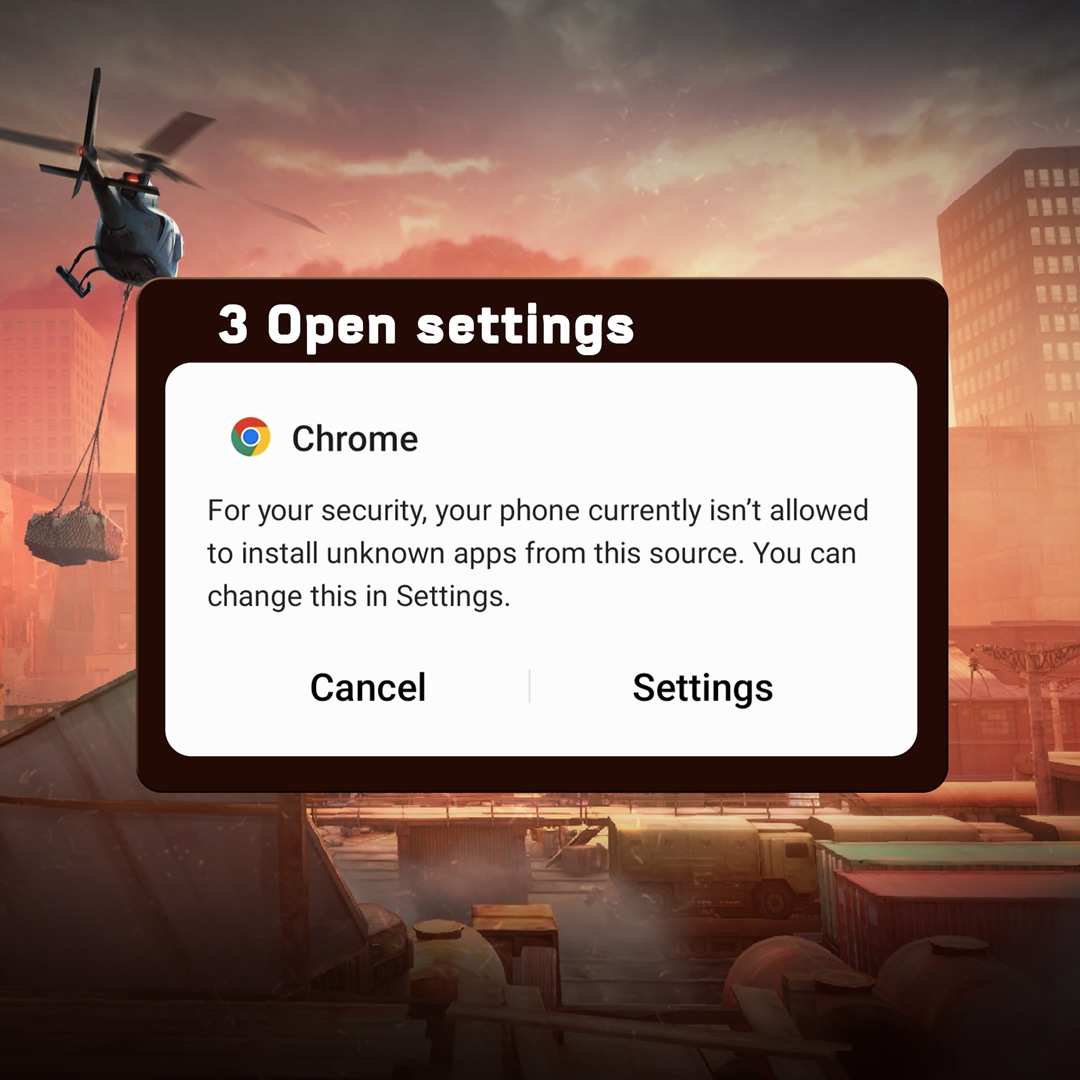
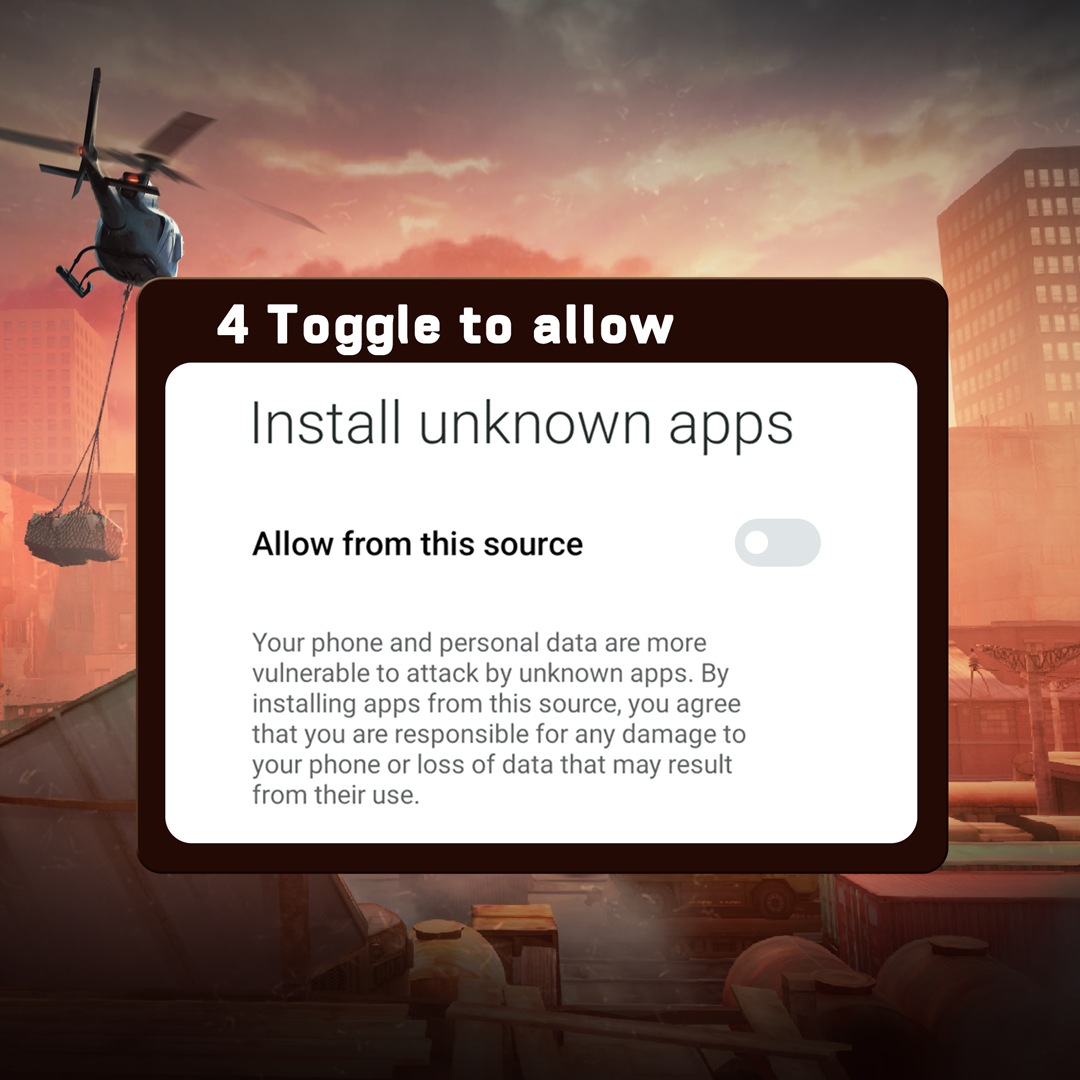
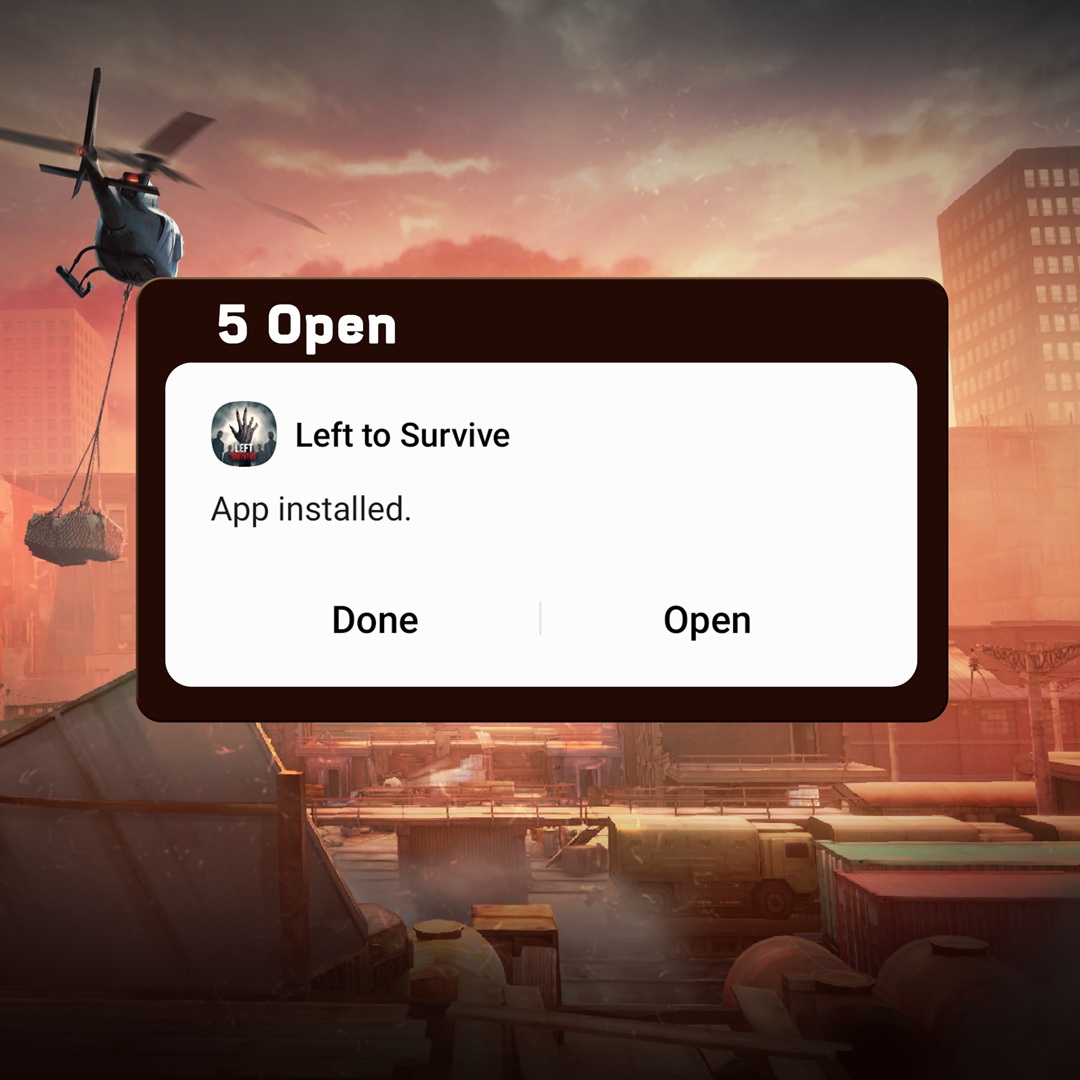 When you download an APK file from website pages or other apps, in order for it to work, you will need to grant a permission to install it. Here’s how to do it on various Android devices:
Samsung (Android 8 and earlier): Settings → Lock screen and security → Unknown sources → OK.
Samsung (Android 10+): Settings → Apps → Press … → Special access → Install unknown apps → choose your browser app → Allow from this source.
Xiaomi (Android 8 and earlier): Settings → Additional settings → Privacy → Unknown sources → OK.
Xiaomi (Android 10+): Settings → Privacy protection → Special permissions → Install unknown apps → choose your browser app → Allow from this source.
Huawei (Android 8 and earlier): Settings → Security & privacy → More → Install unknown apps → choose your browser app → Allow app installs.
Huawei (Android 10+): Settings → Security → More settings → Install apps from external sources → choose your browser app → Allow app installs.
Google Pixel: Settings → Apps → Special app access → Install unknown apps → сhoose your browser app → Allow from this source.
Amazon: Settings → Apps & Notifications → Special App Access → Install unknown apps → choose your browser app → Allow from this source.
Oppo: Settings → Additional settings → Safety & Privacy → Install Apps from Unknown Source → OK.
Motorola: Settings → Apps & notifications → choose your browser app → Install unknown apps → Allow from this source.
OnePlus: Settings → Security & Privacy → More Security & Privacy → Installation Sources → choose your browser app → Allow from this source.
If your device is not on the list, try downloading the APK file and then tap it to open. When a warning appears about installing apps from unknown sources, proceed to change the setting: there should be a toggle labeled "Allow from this source" or "Unknown Sources → OK." Don’t worry − the APK file you download from this page is official and safe, just like the official version you would get from any other application store.
Keep in mind that the APK version of Left to Survive downloads updates automatically once they’re released and after you launch the game. However, it does this by downloading a new APK file, installing it and merging with the already installed game. To update successfully, you'll need to grant permission for the current app to install updates via APK.
.png)
.png) To do this you need to go tap on "settings" on system popup and turn on "Allow permission" button. After that you may return to the game and wait it to update.
To do this you need to go tap on "settings" on system popup and turn on "Allow permission" button. After that you may return to the game and wait it to update.
 Official Build: Scanned & Secure